
We Define IT
  • Home
  • Plans
  • Testimonials
  • Professional Services
  • Blog
  • Contact
  • Login

What You Need to Know About the Risks of Browser Extensions

12/15/2022

0 Comments


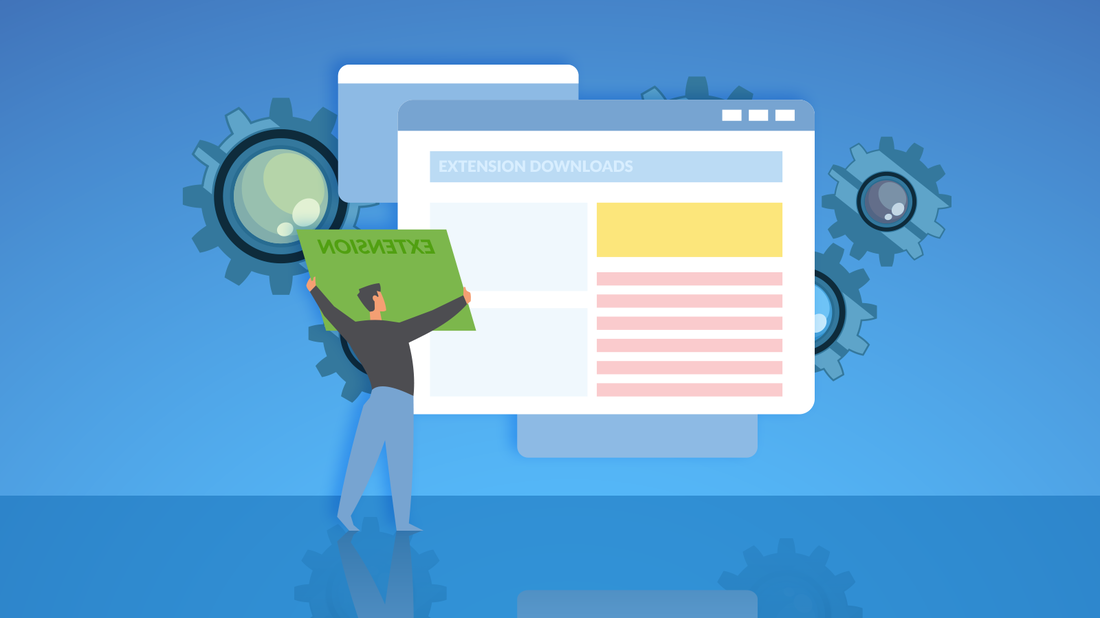
With “Googling it” now a common expression, it’s safe to say you do a lot online. To do it all you’re using a Web browser (such as Chrome, Edge, Firefox, etc.). To do it all more efficiently or effectively, you could be using browser extensions, but this article is going to warn you against doing so.

To clarify, browser extensions are code add-ons that you connect to your browser. You can use them to personalize your surfing experience, and they accomplish many different things, including:
  • saving time (e.g. Scribe, Evernote, StayFocusd)
  • checking your grammar (e.g. Grammarly)
  • managing your passwords (e.g. Keeper, LastPass)
  • securing your online activity (e.g. DuckDuckGo, Ghostery)

Even though we’ve just said they can help secure your online activity and manage your passwords, the problem is that they are also risky.

Consider the fact that we said this represents added code. Now, how much coding do you know? Most will say “not a lot.” That means you’re blindly trusting that browser extension.

If you download a malicious one, that code can wreak havoc. Suddenly, your default search engine gets changed, or you get redirected to a start page with malware on it. You might face an onslaught of pop-ups or ads. They can also track your browsing history without you knowing it.

That’s just the beginning
Many browsers today want to keep you safe from malevolent extensions. They’ll have permissions in place before allowing access. Yet you still end up giving that extension a lot of access. For example, an extension modifying google.com needs access to all your Google activity. That means your Gmail, too.
Browser extensions access everything you’re doing online. So, a malicious extension could also function as a keylogger capturing passwords or credit card details.
A browser extension can also be sold to or hijacked by a bad actor. Then, it’s easy enough for them to push out an update that turns your trusted extension into malware.

What to do about this issue
Does this mean you should do without browser extensions? There are even browser extensions out there to block other browser extensions, but abstinence from extensions is not your only solution.
Instead, we’d recommend reviewing the safety and credibility of that extension. This means you should:
  • Check to see who published the extension.
  • Look at the reviews. A high number of positive reviews is a good sign. Thousands of people are unlikely to give five stars to a malicious extension.
  • Pay attention to the permissions required. If an extension claims to modify only one website, check that it accesses that site only.
  • Protect yourself with a good antivirus solution.
  • Keep your antivirus solution and other software updated.

It’s also easier to stay safe by limiting the number of installed extensions you use. If you have browser extensions that you aren’t using, uninstall them. This can cut your exposure to potential threats.

Another way to secure your online activity? Work with our IT experts. We can check permissions and review your extensions. We’ll also ensure your antivirus and software are up to date. Contact us today at (888) 234-WDIT (9348).
Picture
0 Comments

Avoid Holiday Hoodwinks

12/1/2022

0 Comments


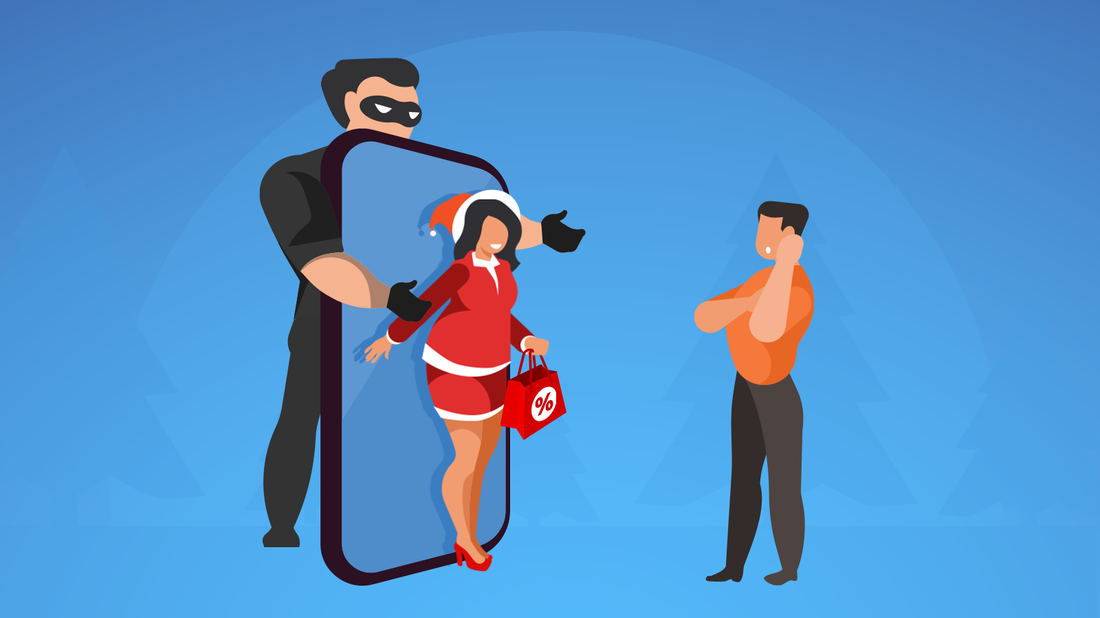
The holidays are busy. We’re trying to get work done to have some fun, and we’re hosting family and friends. Plus, parents that have the holiday Elf tradition must remember to move the doll every night. It’s a lot, and it can make us more likely to fall for scams that can lead to data theft.

Hackers like to take the path of least resistance. Why work harder than they have to for their ill-gotten gains? Instead, they’ll use social engineering to get you to give them your data or download their malware. Look out for these top holiday scams.

Parcel delivery scams
More people are expecting packages this time of year. Bad actors take advantage of this with what’s called a smishing scam. It’s a particular type of scam using text/SMS messaging. You get a message from a known service telling you a delivery needs rescheduling, or that there’s an outstanding fee that needs to be paid.

Recipients, who are already expecting a package, are quick to fall for the request. Clicking on the message link, they enter personal information or download malicious software.

Tip: Go to the source of the package you’re expecting and see what they’re saying about your package delivery.

E-card scams
Another common holiday season scam takes advantage of our enthusiasm for money. Scammers send e-cards to your email. When you click on the link, you’ll download a virus or other malware (e.g. ransomware).

Tip: Check the credibility of any e-card sender before downloading the “gift.”

Christmas hamper scams
Everyone wants to be a winner, but don’t fall for the scammer calling or emailing to say you’ve won a Christmas hamper. They’ll claim to be from a legit organization and have some of your personal information already. That helps them make it all seem genuine. Then, they’ll ask for you to provide more personal details to collect your prize or gift.

They may ask only for your full name, address, and phone number (if the request was emailed). They’ll be collecting this information for a more focused attack in the future.

Tip: Use strong passwords and be careful about what personal details you put on social media.

Fake websites
Many people shop sites that are unfamiliar to them at this time of year. Grandparents (even parents) know nothing about that latest trendy shop! Bad actors will set up fake sites offering gifts and services. They're looking to get your personal details and money.

Tip: Prefer secure website addresses starting with “https” and displaying a locked padlock.

Shopping scams
Every season has its in-demand items. Scammers take advantage of this and set up ads for amazing deals on those items. Desperate to get this year’s toy for your toddler, you might be hooked. Or they’ll ensure people click on their ads by offering ridiculous deals. If you do get the item purchased via these ads, it’s likely to be a sub-par counterfeit.

Tip: Shop with retailers you know and trust.

Bank scams
This scam operates year-round, but bad actors have an edge in the holiday season when people spend more. Fraudsters typically call, text, or email as your bank having noticed suspicious activity. They get you feeling anxious and then urge you to take action (e.g. click a link or share personal details) to address the issue.

Tip: Remember that banks never use unsolicited calls to ask for personal details, pressure you to give information, or tell you to move your money to a safe account.

Protecting yourself this season
The tips shared throughout this article will help. At the same time, setting up password managers and antivirus software can also be useful. We can help you secure your online activity year-round. Contact us today at (888) 234-WDIT (9348).

Picture
0 Comments

    Author

    Stay connected to our Blog for vital, timely and  relevant information to keep your personal technology optimized, updated and protected.

    Categories

    All
    Browsers
    Cat
    Cconnectivity
    Cell Phone
    Children
    Cloud
    Computer
    Computer Damage
    Content Creation
    Cybersecurity
    Data
    Data Theft
    Deepfake Voice
    Dog
    Download
    Email
    Fake
    False Information
    Fraud
    Furry Family Member
    Google Search
    Graphics Card
    Guide
    Hacking
    Hard Drive
    Hardware
    Holidays
    Influencer
    Laptop
    Laptop Batteries
    Malware
    Managed Services
    Memory
    Mobile
    Mobile App Store
    Monitor
    Network
    New Device
    Online Shopping
    Operating System
    OS
    Password
    Password Autofill
    Password Manager
    Pet
    Pet Lover
    Pet Risk
    Printers
    Privacy
    Ransomware
    Repair
    Residential
    Safety
    Scam
    Seniors
    Shortcut
    Social Media
    Software
    Storage
    Tablets
    Tech Tips
    Victim
    Video Card
    Video Editing
    Windows

    Archives

    October 2025
    March 2025
    February 2025
    January 2025
    December 2024
    November 2024
    October 2024
    September 2024
    August 2024
    July 2024
    June 2024
    May 2024
    April 2024
    March 2024
    February 2024
    January 2024
    December 2023
    November 2023
    October 2023
    September 2023
    August 2023
    July 2023
    June 2023
    May 2023
    April 2023
    March 2023
    February 2023
    January 2023
    December 2022
    November 2022
    October 2022
    September 2022
    August 2022
    July 2022
    June 2022
    May 2022
    April 2022
    March 2022
    February 2022
    January 2022
    December 2021
    November 2021
    October 2021
    September 2021
    August 2021
    July 2021
    June 2021
    May 2021
    April 2021
    March 2021
    February 2021
    January 2021
    December 2020
    November 2020
    October 2020
    September 2020
    August 2020
    July 2020
    June 2020
    May 2020
    April 2020
    March 2020
    February 2020
    January 2020

    RSS Feed

Connect With Us
Remote First - Our Company Blog
 Facebook
Twitter
E-Mail
Instagram
LinkedIn
RSS Feed
Services

24/7 Remote Help Desk & NOC Services

Unlimited On-Site Technical Repair Services

Managed Anti-Virus, Malware, Spyware, Greyware, Rootkit and Identity Theft Protection


Windows / Mac / Linux / Unix File Server, Exchange and SQL Backup & Disaster Recovery

Secure, Redundant Cloud Storage

Apple, Windows Activesync, Android, Blackberry & Nokia Symbian Mobile Device Management

Managed IT Services Consulting

Virtual Chief Information Officer (CIO) Services
Client Remote Support

Enter 6-Digit Remote Support Code


Picture
Search Our Site

Home  |  @Home - Residential  |  @Work - Business  |  @School - Educational  |  @Worship - Spiritual |  Virtual CIO  |  Contact Us  |   Login

CALL US TOLL-FREE:  888-234-WDIT
Copyright ©2021  We Define IT LLC, All Rights Reserved. 
Site Design by  Nu Web Order Designs.  Hosting Powered by  Hostivity.

New York, New Jersey,  Connecticut, Pennsylvania, Brooklyn, Manhattan, Queens, Bronx, Staten Island, Long Island, Technical, Computer,  Managed IT, Support, Services
  • Home
  • Plans
  • Testimonials
  • Professional Services
  • Blog
  • Contact
  • Login
