
Virtual private networks (VPNs) are becoming more common. Many people use VPNs to establish an encrypted connection over a public network or to add privacy and security.
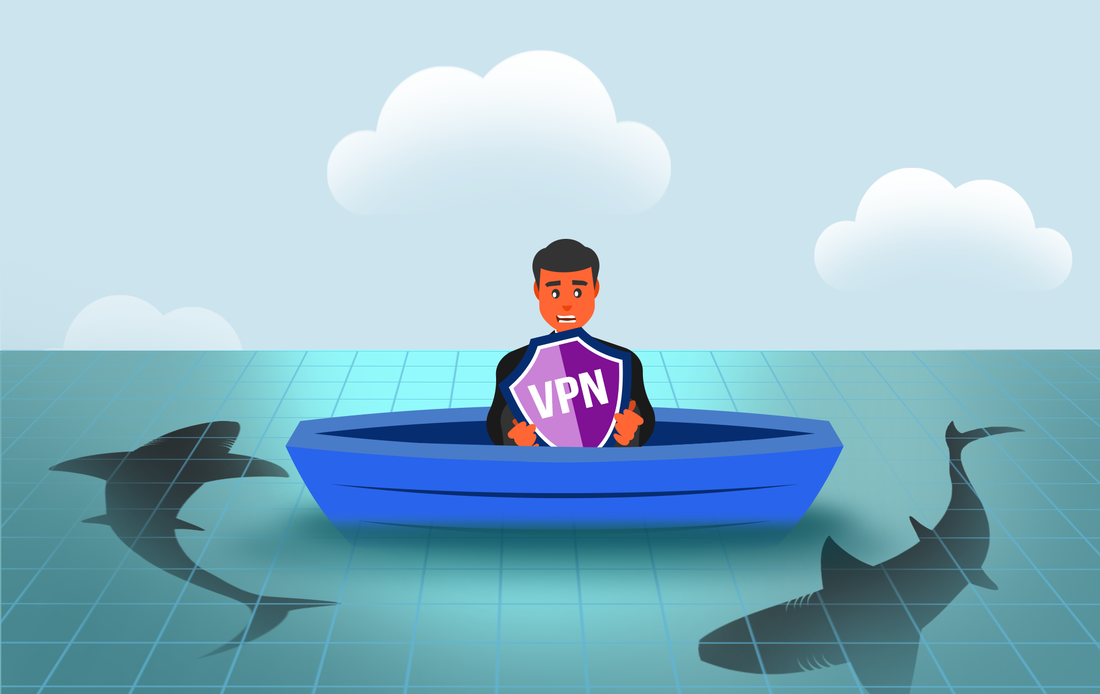
Think of a VPN as a private tunnel. Connect to the internet using a VPN, and your device sends and receives data that others can’t access. Many find this useful when connecting to a public Wi-Fi network at a cafe, airport, or hotel.
People also use VPNs to hide their IP addresses. Maybe they don’t want internet service providers (ISPs), government agencies, or third parties tracking them online. With a VPN, the sites see the VPN server’s address, not yours. This masks your location and helps protect your privacy.
Others use VPNs to get around access restrictions based on geography. A different VPN server location can enable access to otherwise blocked online content.
So, a VPN can do a lot of useful things. Nevertheless, it can’t do everything people sometimes expect.
What a VPN can’t hide
Yes, a VPN can hide your IP address, geolocation, personal information, and browsing activity. Here’s what it can’t do.
#1 Guarantee absolute anonymity
Continuing the tunnel analogy, if you turn left or right once you’re through the tunnel, that’s up to you. It’s the same with a VPN. It can get you securely to a site, such as Facebook or Netflix, but once you connect and sign in, they’ll know it’s you and still be able to track your activity.
Plus, VPN providers may keep logs of your online activities. If that’s an issue for you, choose a reputable provider and review their privacy policy.
#2 Save you from yourself
If you enter your credit card information on a suspect website, the VPN won’t stop you. Even if you’re using a VPN, you’ll still want to be careful about financial fraud and use a secure payment method.
#3 Stop malware or viruses
Browsing the internet using a VPN does not prevent malicious software. To stay safe online, install a good antivirus program. Then, keep it patched and update regularly.
#4 Hide your MAC address
What’s a MAC address? That’s your device’s Media Access Control address. Your IP address can change, but a MAC address is unique to your computer, smartphone, or other device. If you want to hide this address for extra security and privacy, you’ll have to take added measures.
#5 Get around data-usage restrictions
Using a VPN doesn’t hide how much data you’re using in a given month. So, any data limitations from your ISP will still apply.
Use VPNs wisely
A VPN can add privacy and security when you’re browsing. It can help protect your personal data, hide your IP address, and encrypt your Web traffic, but it can’t do everything. You’ll still want to have appropriate security measures in place.
Our experts can help you set up a VPN and antivirus software. We can also keep your devices updated and support your caution online. Give us a call at (888) 234-WDIT(9348).
Think of a VPN as a private tunnel. Connect to the internet using a VPN, and your device sends and receives data that others can’t access. Many find this useful when connecting to a public Wi-Fi network at a cafe, airport, or hotel.
People also use VPNs to hide their IP addresses. Maybe they don’t want internet service providers (ISPs), government agencies, or third parties tracking them online. With a VPN, the sites see the VPN server’s address, not yours. This masks your location and helps protect your privacy.
Others use VPNs to get around access restrictions based on geography. A different VPN server location can enable access to otherwise blocked online content.
So, a VPN can do a lot of useful things. Nevertheless, it can’t do everything people sometimes expect.
What a VPN can’t hide
Yes, a VPN can hide your IP address, geolocation, personal information, and browsing activity. Here’s what it can’t do.
#1 Guarantee absolute anonymity
Continuing the tunnel analogy, if you turn left or right once you’re through the tunnel, that’s up to you. It’s the same with a VPN. It can get you securely to a site, such as Facebook or Netflix, but once you connect and sign in, they’ll know it’s you and still be able to track your activity.
Plus, VPN providers may keep logs of your online activities. If that’s an issue for you, choose a reputable provider and review their privacy policy.
#2 Save you from yourself
If you enter your credit card information on a suspect website, the VPN won’t stop you. Even if you’re using a VPN, you’ll still want to be careful about financial fraud and use a secure payment method.
#3 Stop malware or viruses
Browsing the internet using a VPN does not prevent malicious software. To stay safe online, install a good antivirus program. Then, keep it patched and update regularly.
#4 Hide your MAC address
What’s a MAC address? That’s your device’s Media Access Control address. Your IP address can change, but a MAC address is unique to your computer, smartphone, or other device. If you want to hide this address for extra security and privacy, you’ll have to take added measures.
#5 Get around data-usage restrictions
Using a VPN doesn’t hide how much data you’re using in a given month. So, any data limitations from your ISP will still apply.
Use VPNs wisely
A VPN can add privacy and security when you’re browsing. It can help protect your personal data, hide your IP address, and encrypt your Web traffic, but it can’t do everything. You’ll still want to have appropriate security measures in place.
Our experts can help you set up a VPN and antivirus software. We can also keep your devices updated and support your caution online. Give us a call at (888) 234-WDIT(9348).
 RSS Feed
